Kid, step by step
Every observation a few taps away, in the chat you already use. Here is how Kid works, how to use it, and what each observation asks of you, step by step.
How does it work?
How it works.
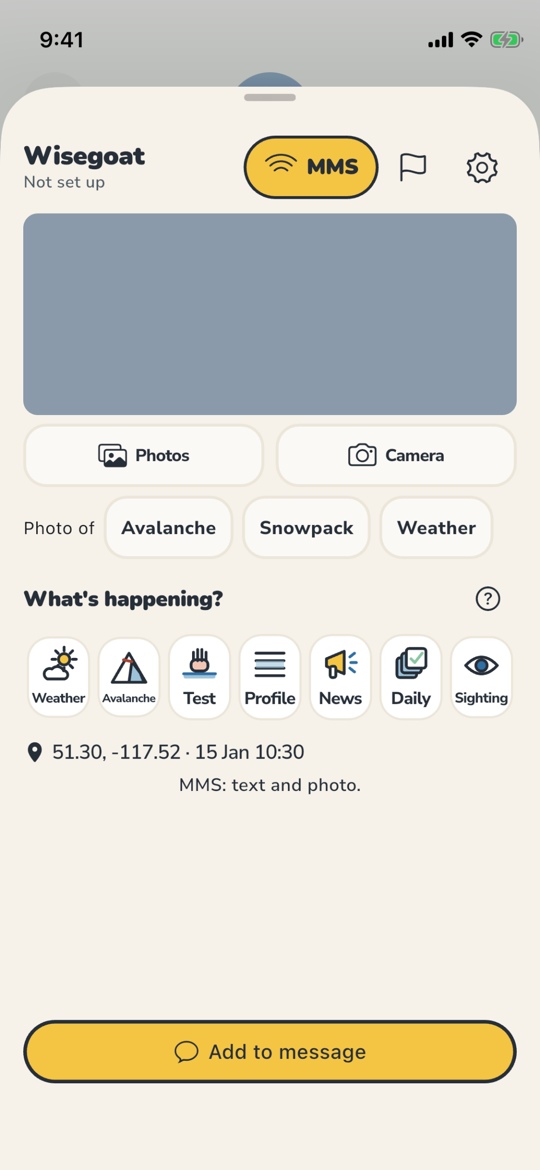
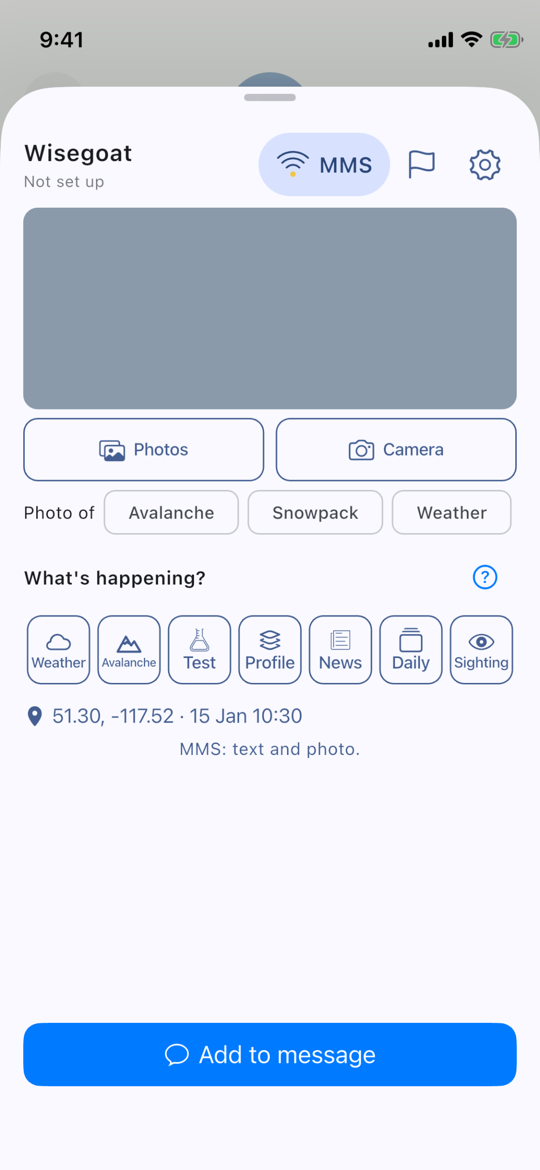
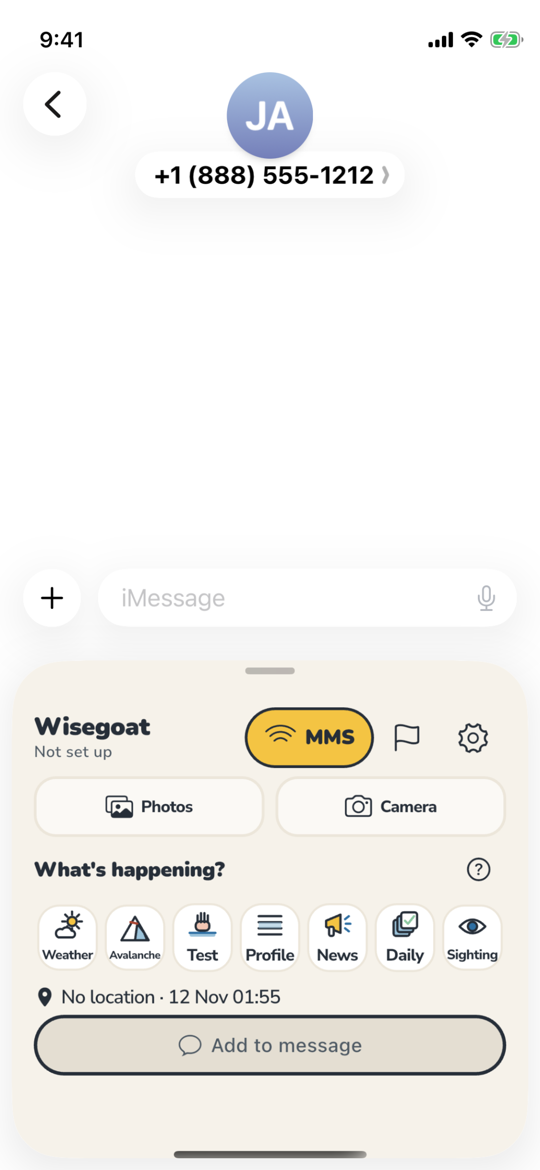
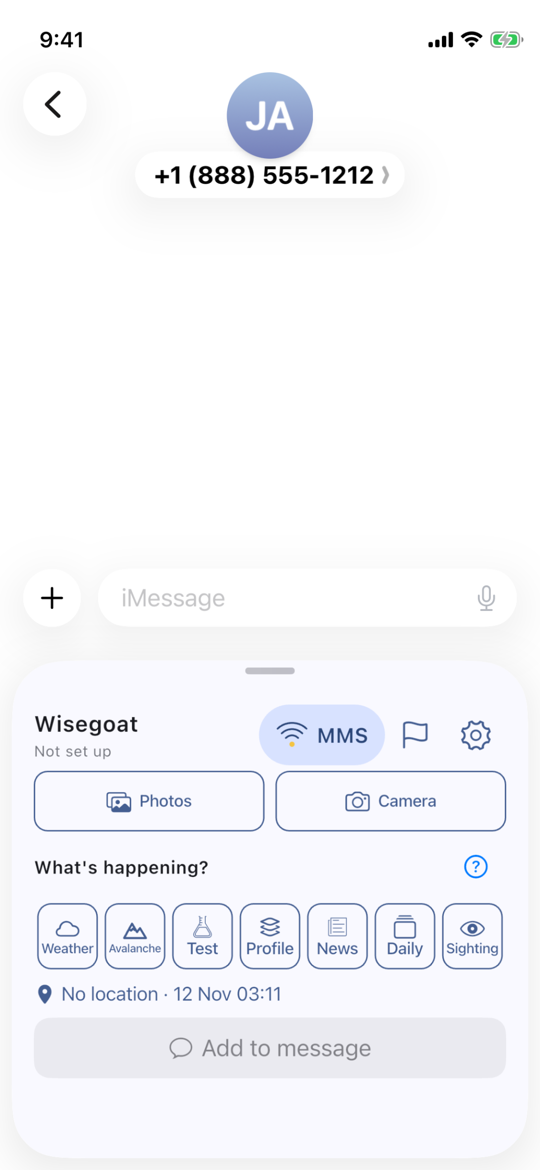
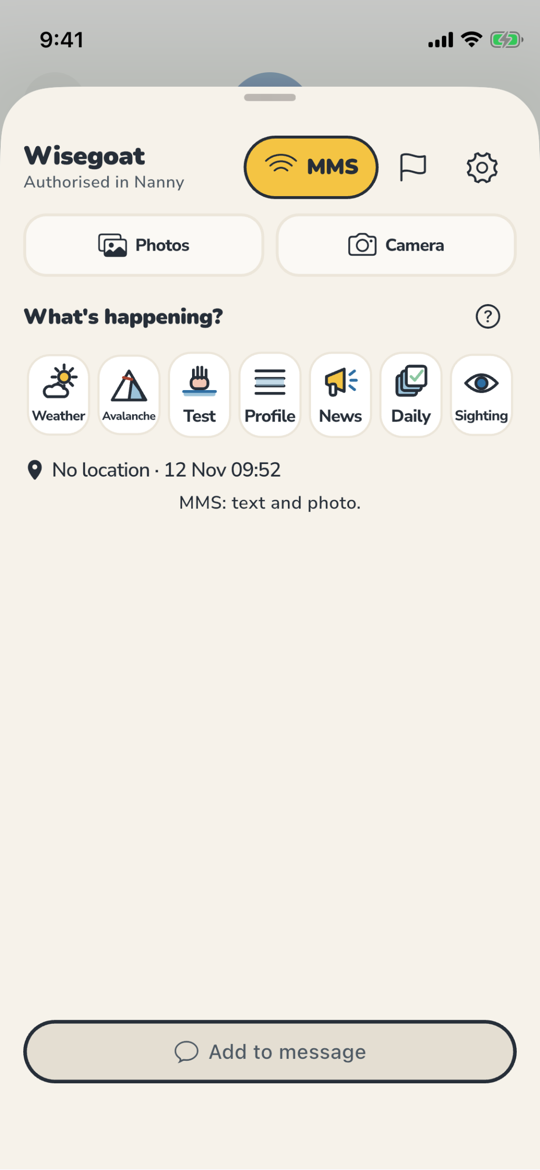
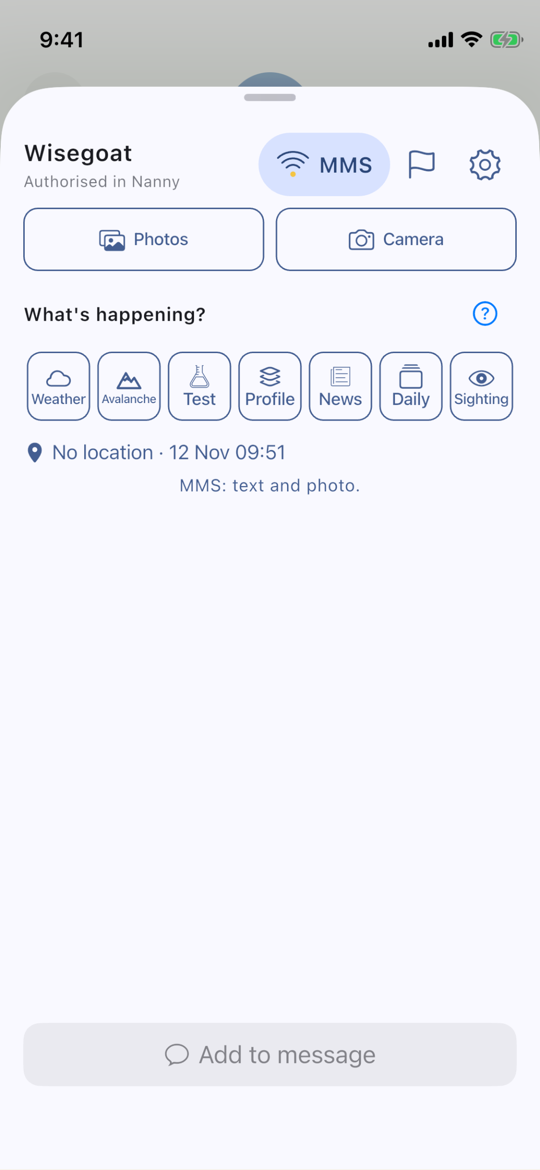
Kid lives inside Apple Messages. Your observation goes to the chat you are in, as one short line, and Wisegoat files it.
| In Messages | One iPhone install: the Wisegoat app, and the Wisegoat sheet inside Apple Messages. While we test, it comes from TestFlight. |
|---|---|
| Tap what you saw | Big buttons, one tap per row. Done turns your answers into one short coded line that fits one text. |
| To the chat | Kid sends only to the conversation you opened it in: your group, a friend, or one person. |
| To Wisegoat | Wisegoat files it when Wisegoat's text number is in that chat, under your name once this phone is set up. |
| Echo | The chip at the top picks how it leaves: MMS, Satellite or SMS. Kid keeps your pick. |
Filed under your name?
Set up this phone, once.
Optional: it lets Wisegoat file your observations under your name.
| With Nanny | Sign in to Nanny and wait until you are approved and active; Nanny sets up this phone by itself, and Kid's sheet reads Authorised in Nanny. |
|---|---|
| A key, not a password | The phone keeps a key, never your password, and every observation it sends is signed with it. |
| Without Nanny | The Wisegoat app, then Privacy, then This phone: sign in and tap Authorise this phone. |
| Settings | The gear: this phone, the language, Echo, and the look (Wisegoat or Cupertino). |
How do you use it?
Tap, done, send.
A whole observation takes only a few taps, in the chat you already use.
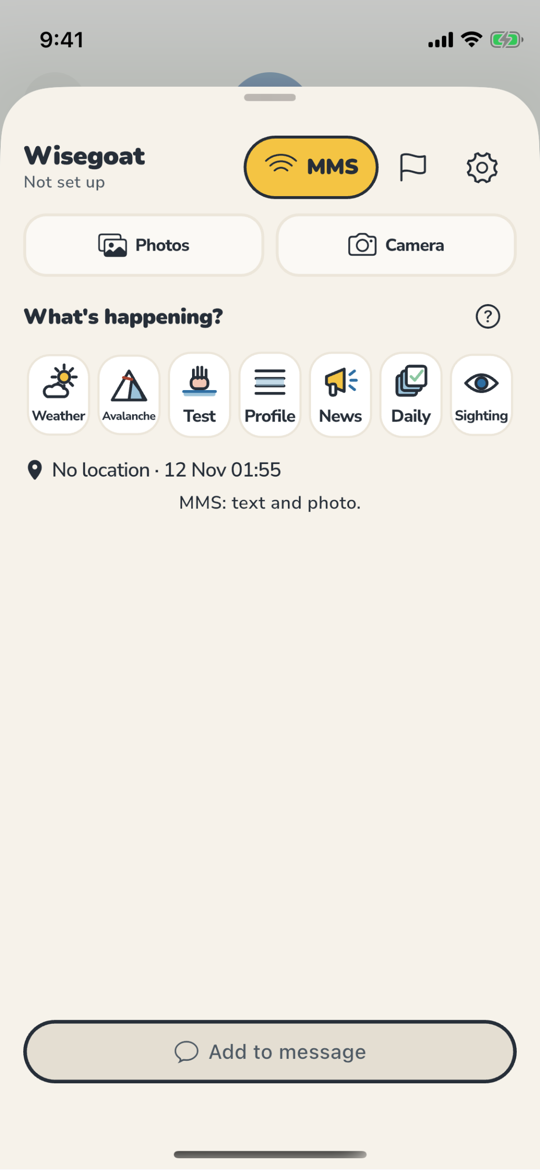
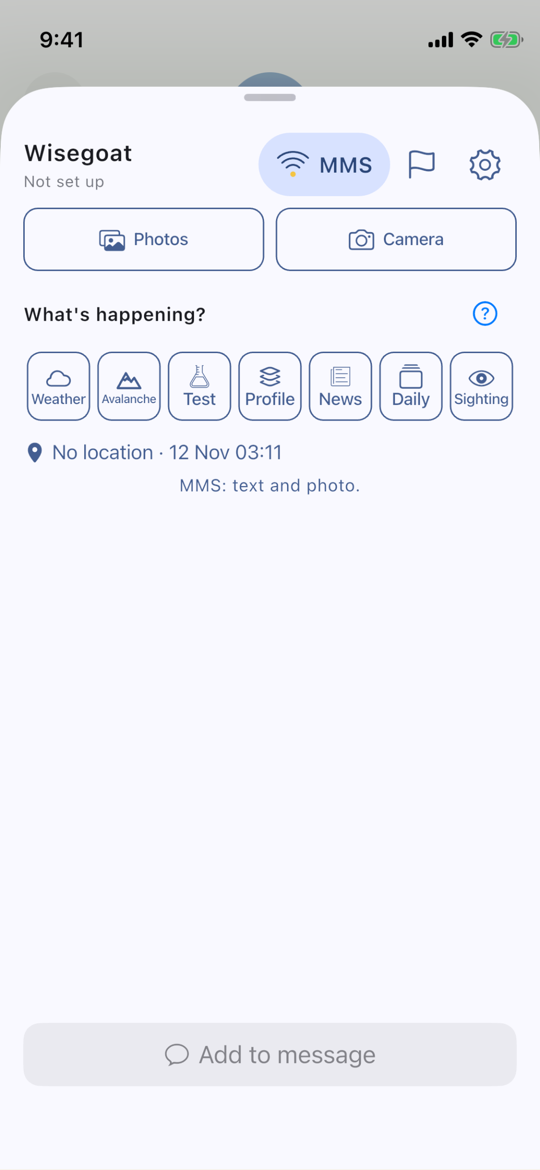
| Open the sheet | In a chat, tap + beside the text field, then Wisegoat (under More if you don't see it). |
|---|---|
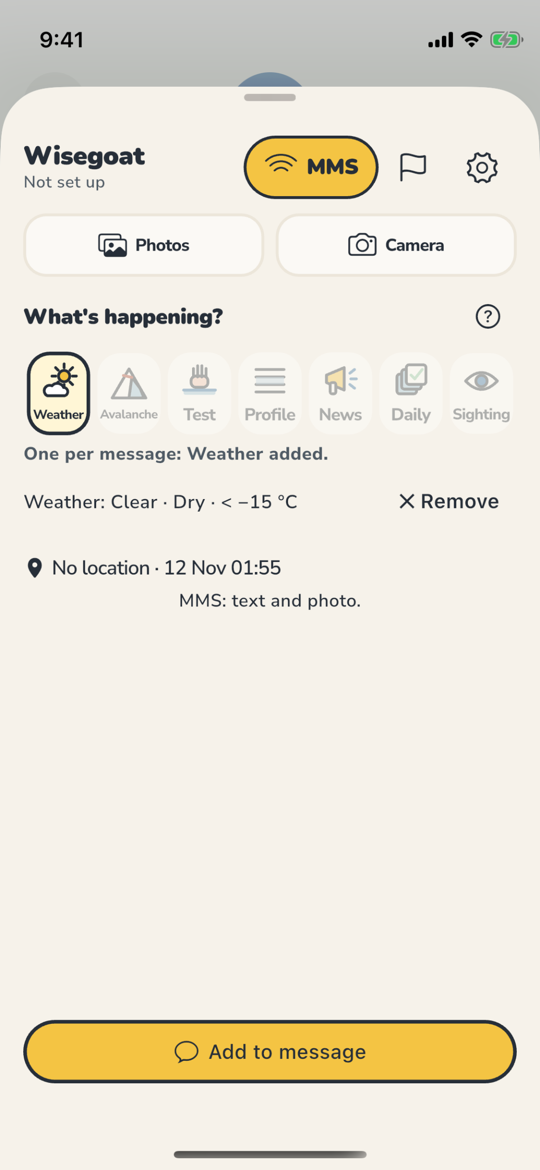
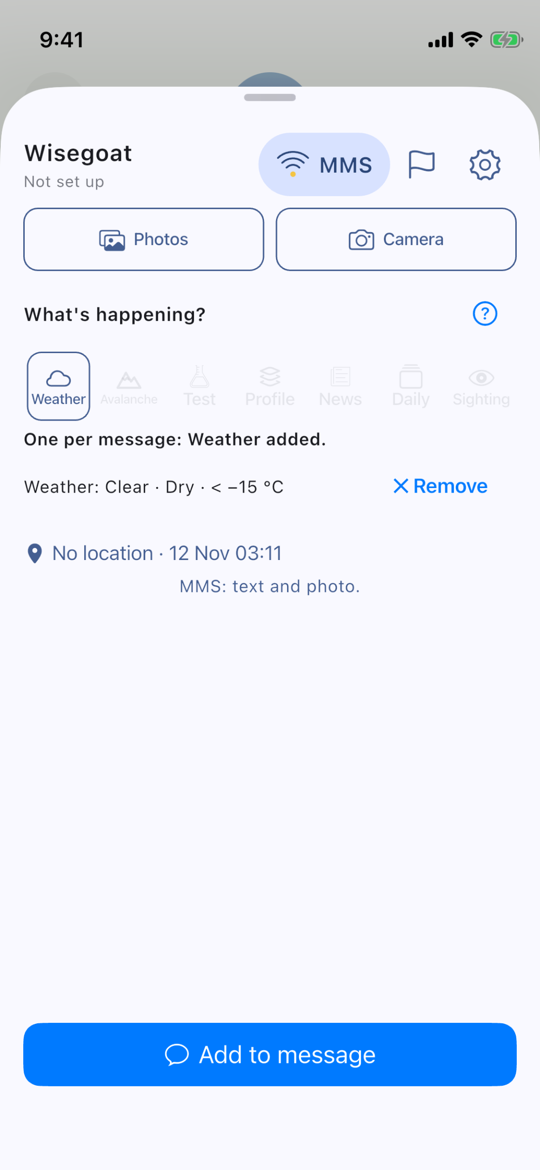
| Pick a kind | Under What's happening?, tap one of the seven tiles. |
| Tap | One tap per row; skip any row; tap a button again to clear it. |
| ? | The ? beside a row says what each choice means. |
| Done | Done brings you back to the sheet, holding the observation. |
| Send | Add to message, then Messages' arrow. With Satellite or SMS, Send line now sends it at once. |
Going out together?
Start and close a trip.
Every observation sent while a trip is open belongs to it.
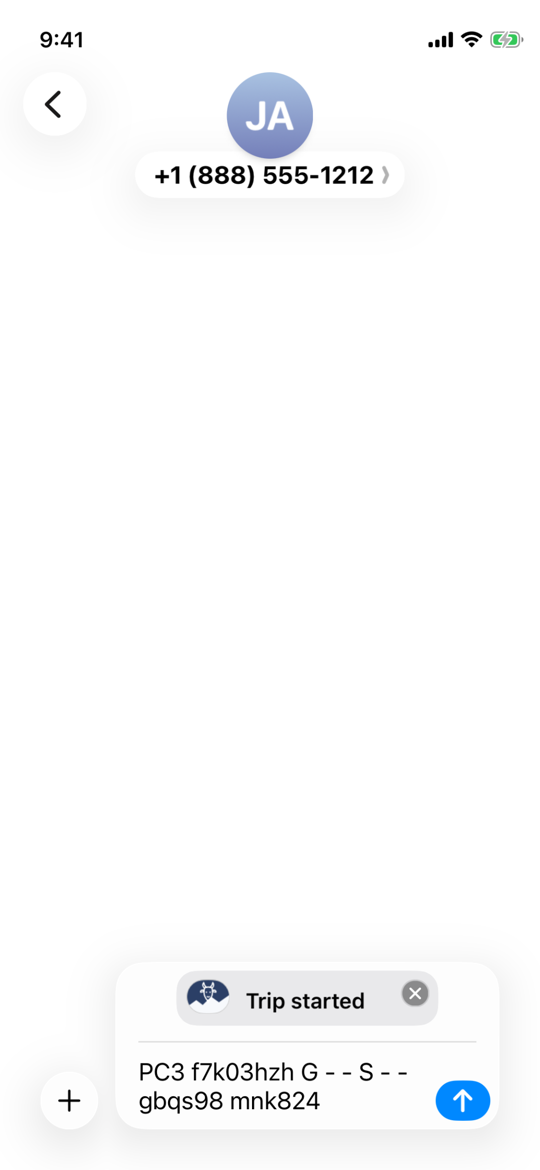
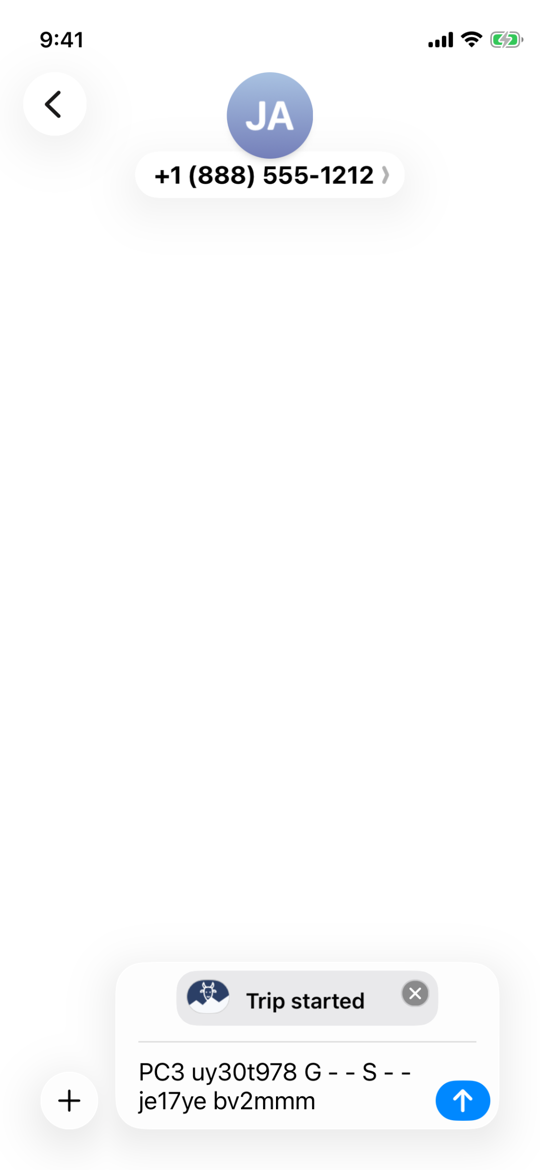
| Start | Tap the flag beside the gear: the sheet steps aside and a Trip started card, with its coded line, is in Messages' box, ready to send. |
|---|---|
| Join | Friends who open that card join the trip. |
| Open | The flag is filled while the trip is open; every observation you send belongs to it. |
| Close | Tap the filled flag: a Trip closed card goes in the box the same way. |
What can you observe?
Seven kinds.
The same observations Haedus sends from your wrist, in the same words.
| Weather | Sky, snowfall, wind and cold right now. |
|---|---|
| Avalanche | You saw a slide: how big, what set it off. |
| Test | Dig in and tap the snow: how did it break? |
| Profile | The layers you see in a snow pit. |
| News | Today's news for everyone. |
| Sighting | Wildlife you saw or heard: what, how many, how. |
| Daily | Your ski day: how it went and what you found. |
What is the weather doing?
Weather, a tap at a time.
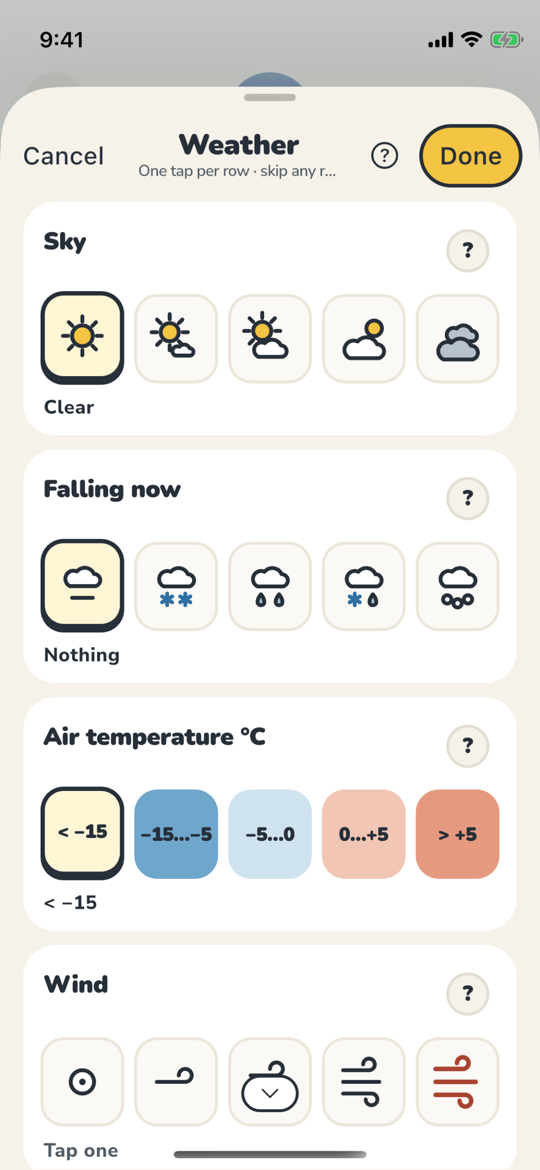
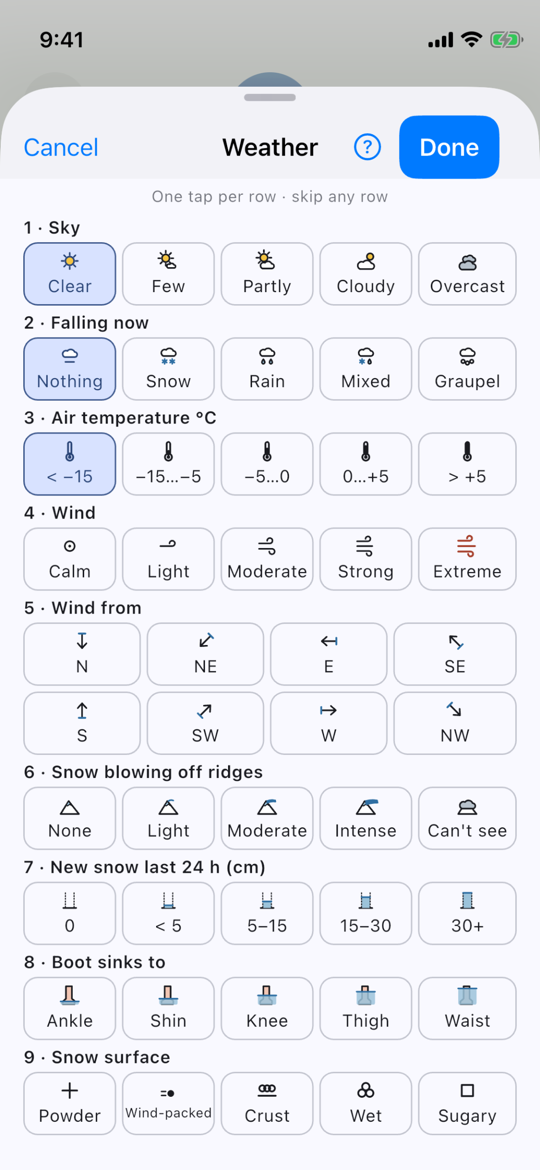
Every row on one form: one tap per row, skip any row, then Done.
| Open | In any chat in Messages, tap + beside the text field, then Wisegoat. The sheet opens. |
|---|---|
| Pick Weather | Tap Weather under What's happening? |
| Sky | Clear, Few, Partly, Cloudy or Overcast. |
| Falling now | Nothing, Snow, Rain, Mixed or Graupel. Snow or Rain asks How hard: Light, Steady or Heavy. |
| Air temperature °C | Below −15, −15 to −5, −5 to 0, 0 to +5, or above +5 °C. |
| Wind | Calm, Light, Moderate, Strong or Extreme, then where it comes from: N to NW. |
| Snow blowing off ridges | Off the ridges: None, Light, Moderate, Intense, or Can't see. |
| New snow last 24 h (cm) | In the last 24 hours: 0, under 5, 5 to 15, 15 to 30, or 30+ cm. |
| Boot sinks to | Ankle, Shin, Knee, Thigh or Waist. |
| Snow surface | Powder, Wind-packed, Crust, Wet or Sugary. |
| Done | Done brings you back to the sheet, holding the observation. ✕ Remove clears it. |
| Send | Add to message puts it in Messages' box; send it with the arrow. With Satellite or SMS, Send line now sends it at once. |
Did you see a slide?
Avalanche, as it ran.
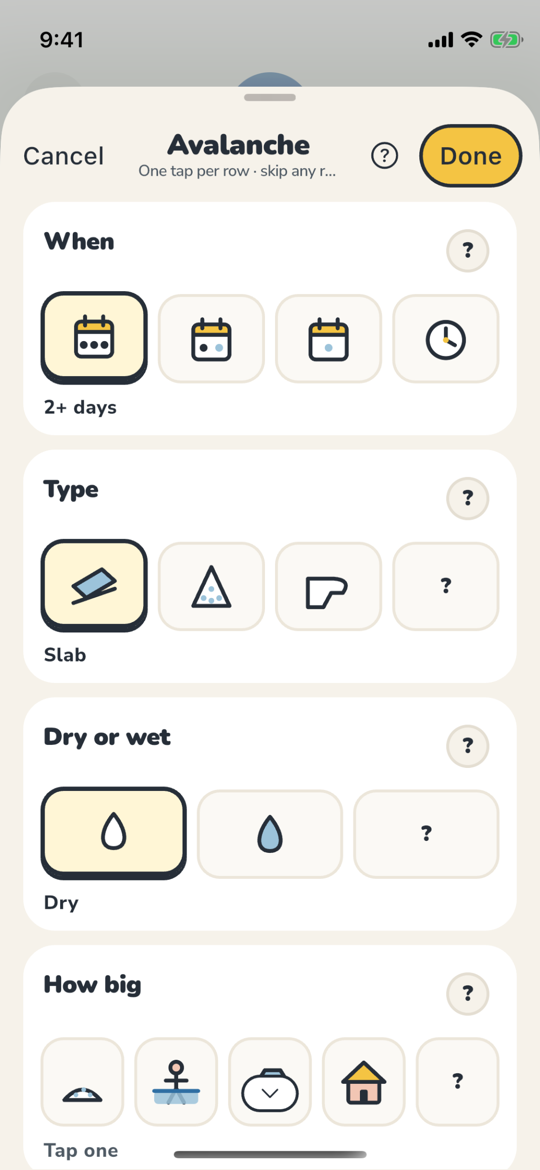
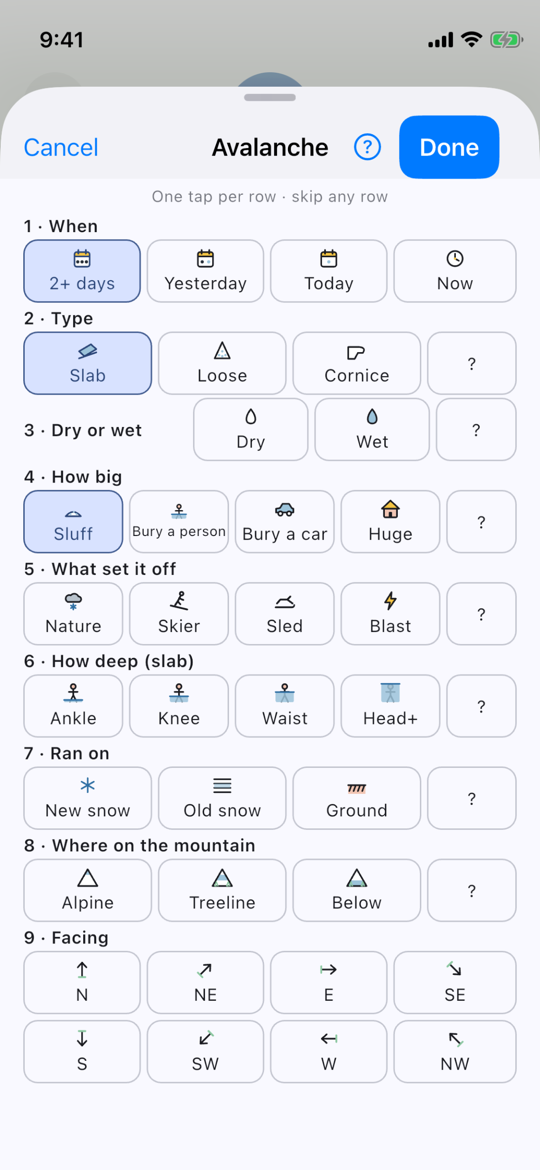
Tap what you saw, row by row; skip what you can't tell.
| Open | In any chat in Messages, tap + beside the text field, then Wisegoat. The sheet opens. |
|---|---|
| Pick Avalanche | Tap Avalanche under What's happening? |
| When | 2+ days, Yesterday, Today or Now. |
| Type | Slab, Loose, Cornice, or ? when you can't tell. |
| Dry or wet | Dry, Wet or ?. |
| How big | Sluff, Bury a person, Bury a car, Huge or ?. |
| What set it off | Nature, Skier, Sled, Blast or ?. Skier or Sled asks From a distance: Yes or No. |
| How deep (slab) | For a slab only: Ankle, Knee, Waist, Head+ or ?. |
| Ran on | New snow, Old snow, Ground or ?. |
| Where on the mountain | Alpine, Treeline, Below or ?. |
| Facing | N to NW. |
| Done | Done brings you back to the sheet, holding the observation. ✕ Remove clears it. |
| Send | Add to message puts it in Messages' box; send it with the arrow. With Satellite or SMS, Send line now sends it at once. |
Did you dig a test?
A snowpack test, result first.
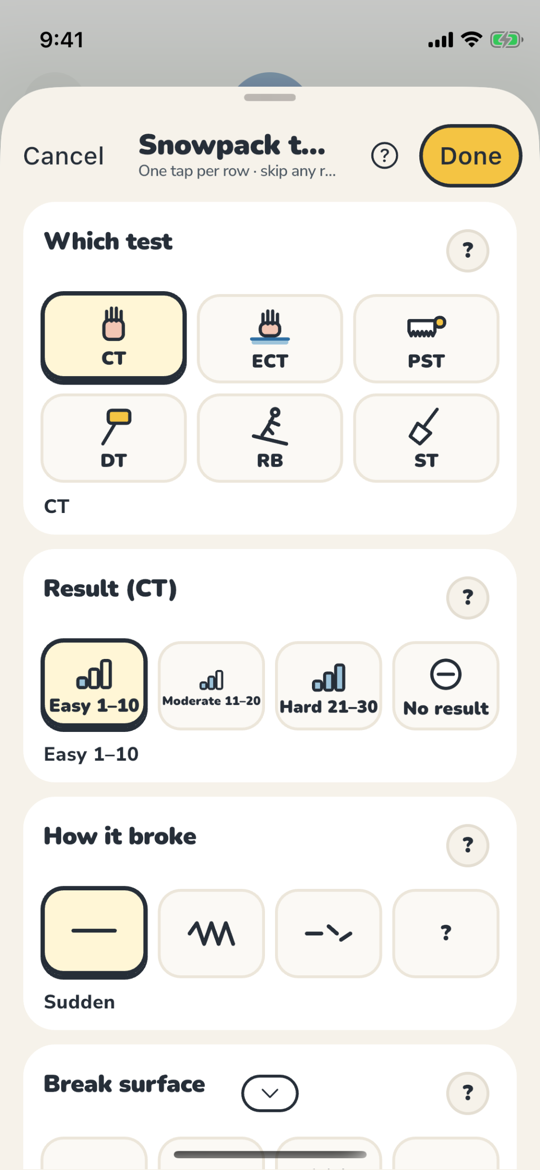
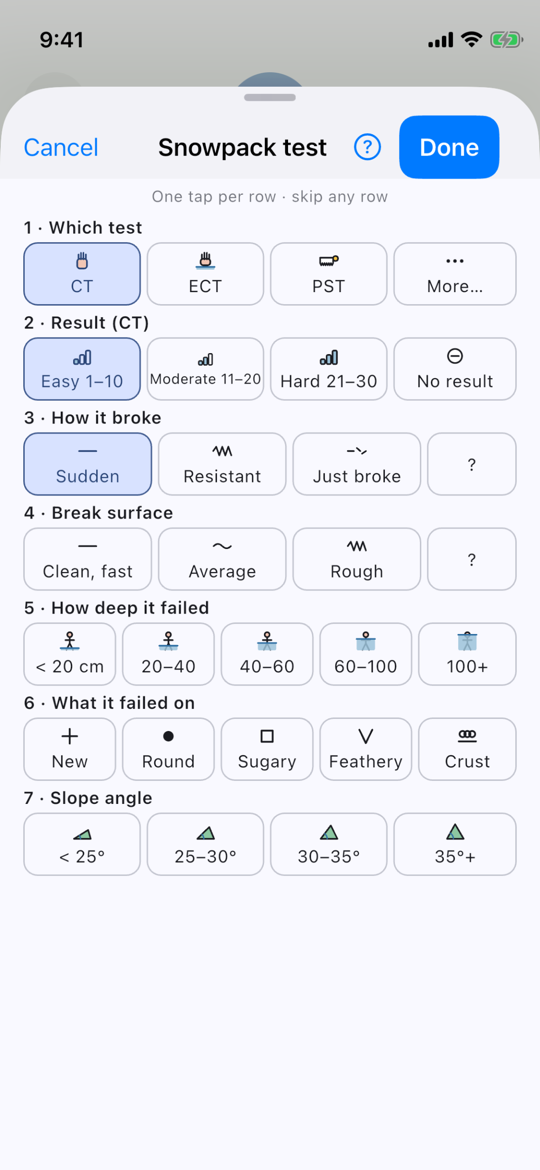
Pick the test and the results follow it.
| Open | In any chat in Messages, tap + beside the text field, then Wisegoat. The sheet opens. |
|---|---|
| Pick Test | Tap Test under What's happening? |
| Which test | CT, ECT, PST, DT, RB or ST. |
| Result | The test's own: CT Easy 1–10, Moderate 11–20, Hard 21–30 or No result; ECT Propagated, Did not propagate or No result; PST End, Arrest or Slab fracture; DT DTV, DTE, DTM, DTH or DTN; RB RB1 to RB7; ST STV, STE, STM, STH, STN or STC. |
| How it broke | Sudden, Resistant, Just broke or ?. |
| Break surface | Clean, fast; Average; Rough; or ?. |
| How deep it failed | Under 20 cm, 20–40, 40–60, 60–100 or 100+. |
| What it failed on | New, Round, Sugary, Feathery or Crust. |
| Slope angle | Under 25°, 25–30°, 30–35° or 35°+. |
| Done | Done brings you back to the sheet, holding the observation. ✕ Remove clears it. |
| Send | Add to message puts it in Messages' box; send it with the arrow. With Satellite or SMS, Send line now sends it at once. |
What's in the snowpack?
A snow profile, layer by layer.
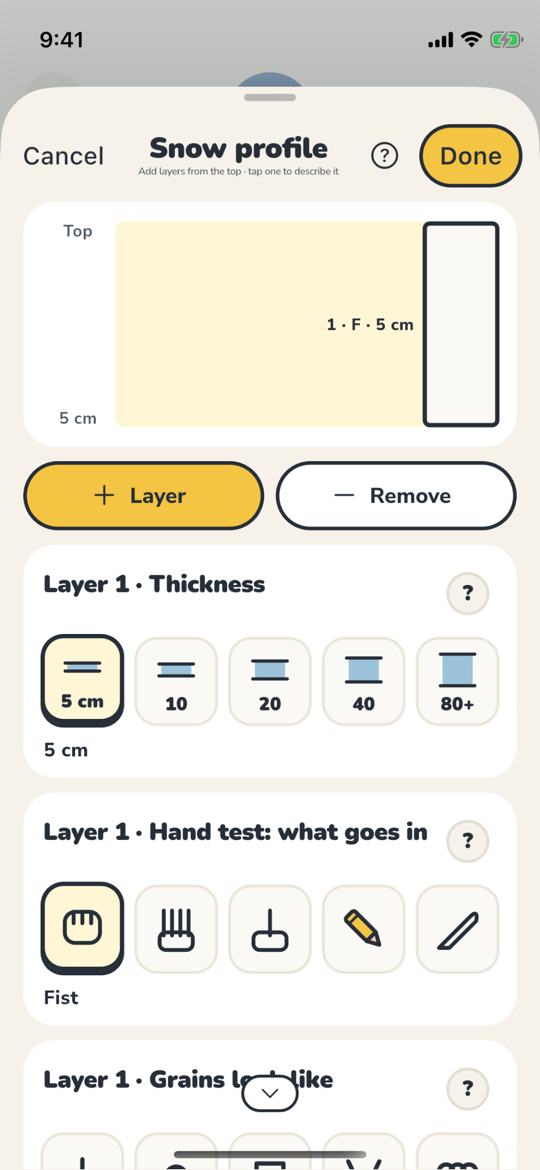
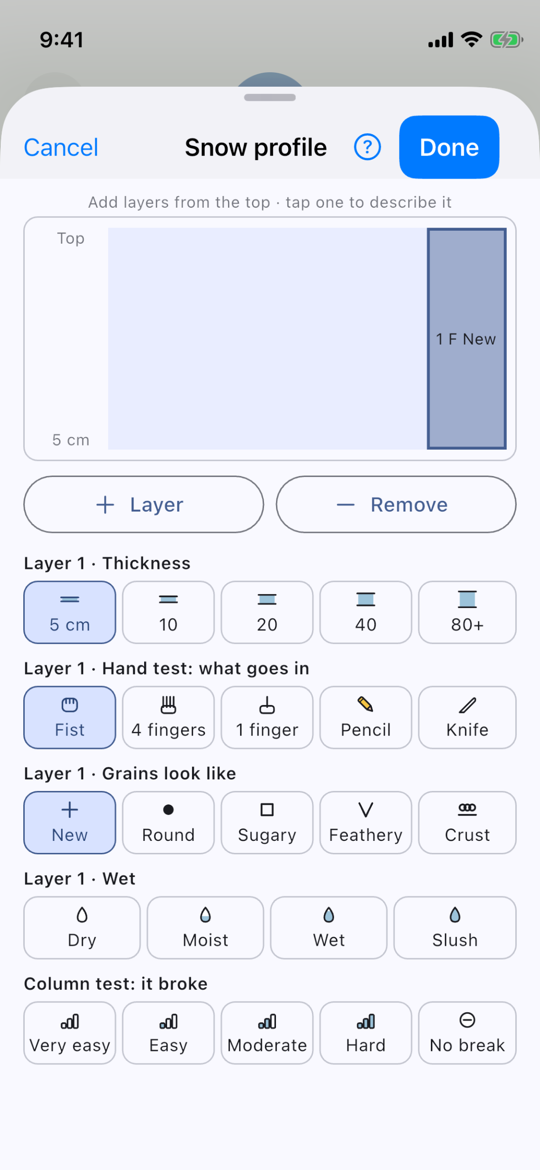
Start at the top and add layers as you dig down.
| Open | In any chat in Messages, tap + beside the text field, then Wisegoat. The sheet opens. |
|---|---|
| Pick Profile | Tap Profile under What's happening? |
| + Layer | Tap + Layer for the top layer. |
| Thickness | 5 cm, 10, 20, 40 or 80+. |
| Hand test: what goes in | What goes in: Fist, 4 fingers, 1 finger, Pencil or Knife. |
| Grains look like | New, Round, Sugary, Feathery or Crust. |
| Wet | Dry, Moist, Wet or Slush. |
| More layers | + Layer again, up to eight; Remove takes one off. Then Next. |
| Column test: it broke | It broke Very easy, Easy, Moderate, Hard, or No break. |
| Done | Done brings you back to the sheet, holding the observation. ✕ Remove clears it. |
| Send | Add to message puts it in Messages' box; send it with the arrow. With Satellite or SMS, Send line now sends it at once. |
What should the herd know?
News, in two short lines.
One line is enough.
| Open | In any chat in Messages, tap + beside the text field, then Wisegoat. The sheet opens. |
|---|---|
| Pick News | Tap News under What's happening? |
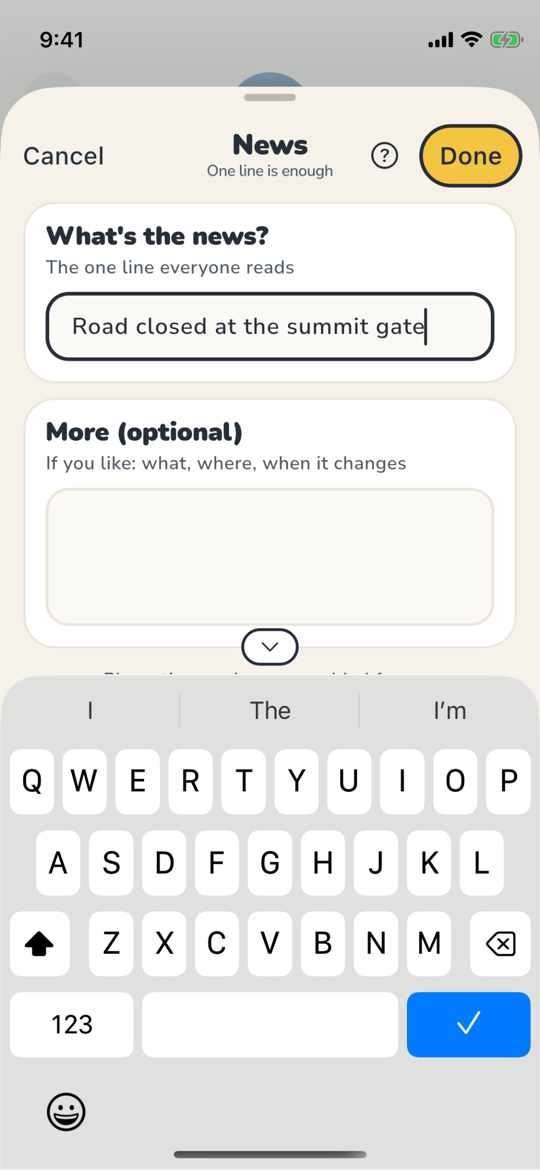
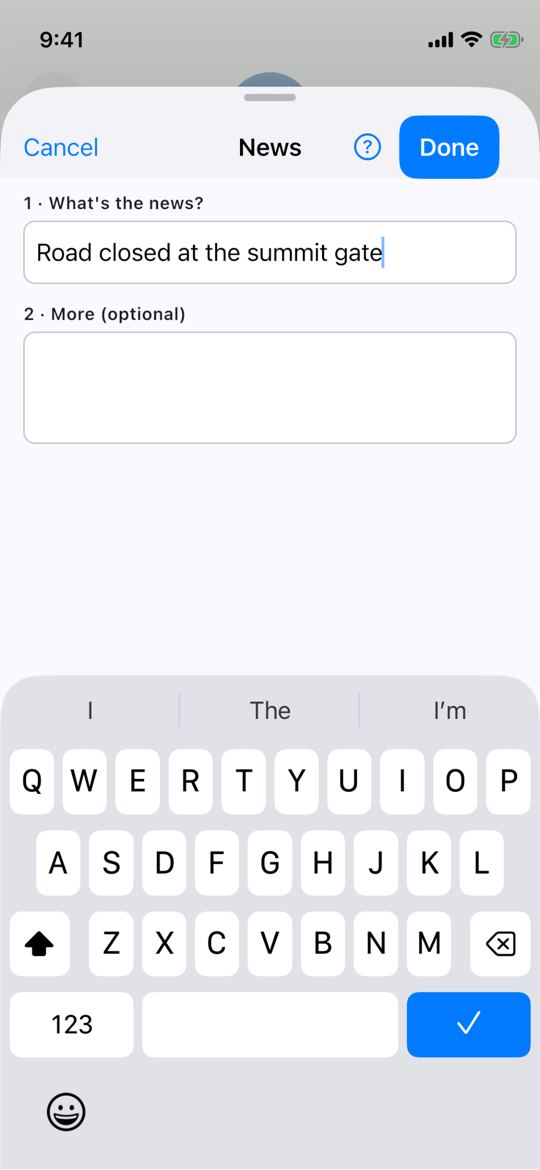
| What's the news? | One short line, like Road closed at the summit. |
| More (optional) | A second line if you need it, or leave it empty. Then Next. |
| Added for you | Place, time and you are added for you. |
| Done | Done brings you back to the sheet, holding the observation. ✕ Remove clears it. |
| Send | Add to message puts it in Messages' box; send it with the arrow. With Satellite or SMS, Send line now sends it at once. |
Seen any wildlife?
A sighting, counted.
What you saw, how many, and how.
| Open | In any chat in Messages, tap + beside the text field, then Wisegoat. The sheet opens. |
|---|---|
| Pick Sighting | Tap Sighting under What's happening? |
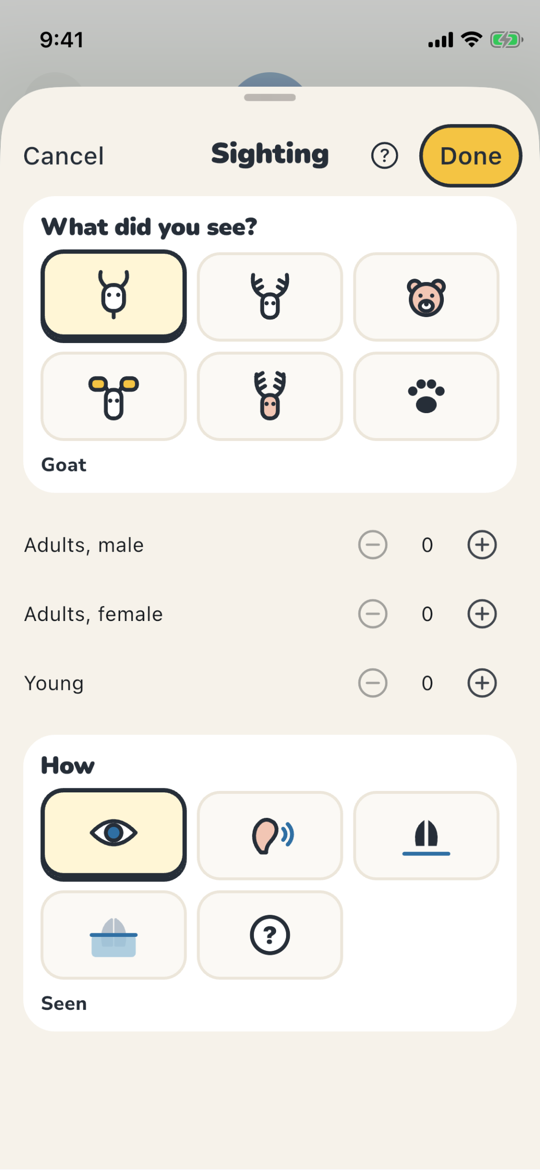
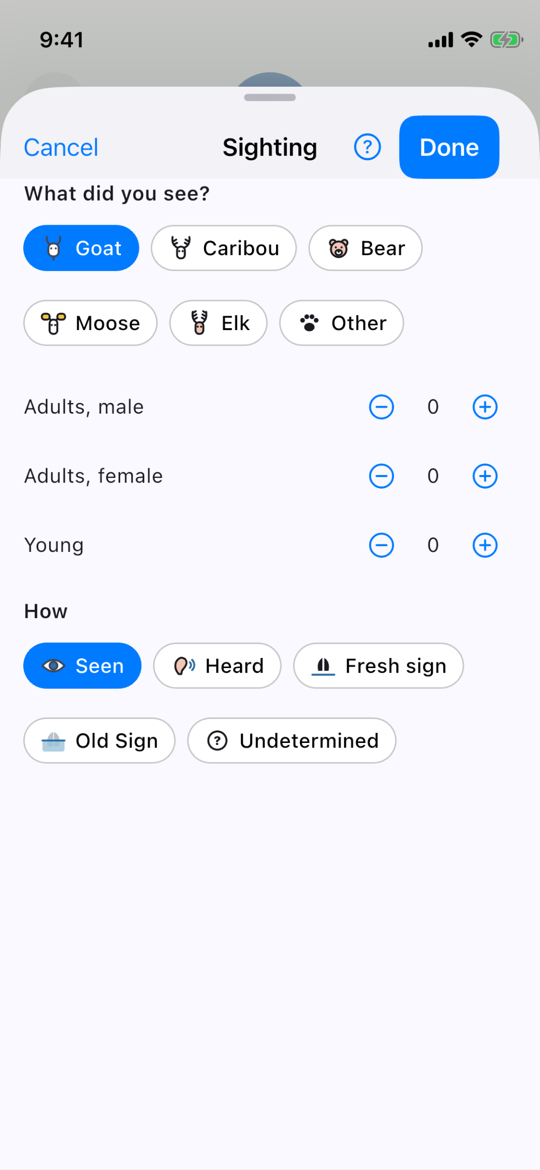
| What did you see? | Goat, Caribou, Bear, Moose, Elk or Other. |
| How many | Tap + for Adults, male; Adults, female; and Young. Then Next. |
| How | Seen, Heard, Fresh sign, Old sign or Undetermined. |
| Done | Done brings you back to the sheet, holding the observation. ✕ Remove clears it. |
| Send | Add to message puts it in Messages' box; send it with the arrow. With Satellite or SMS, Send line now sends it at once. |
How did today go?
Your day, at the car.
Where you rode, how it felt, and how it went, in a few taps.
| Open | In any chat in Messages, tap + beside the text field, then Wisegoat. The sheet opens. |
|---|---|
| Pick Daily | Tap Daily under What's happening? |
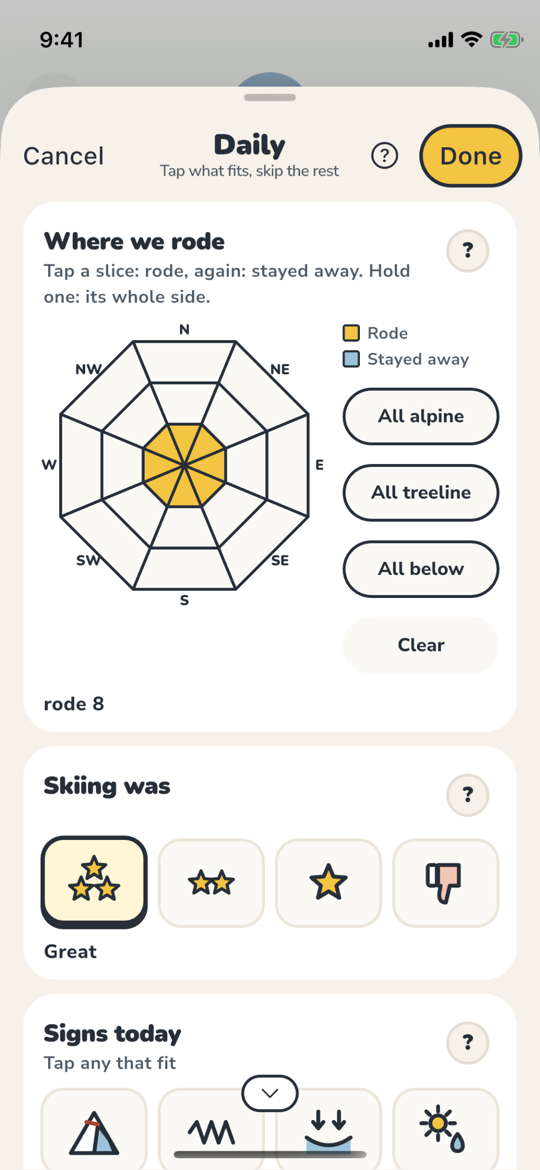
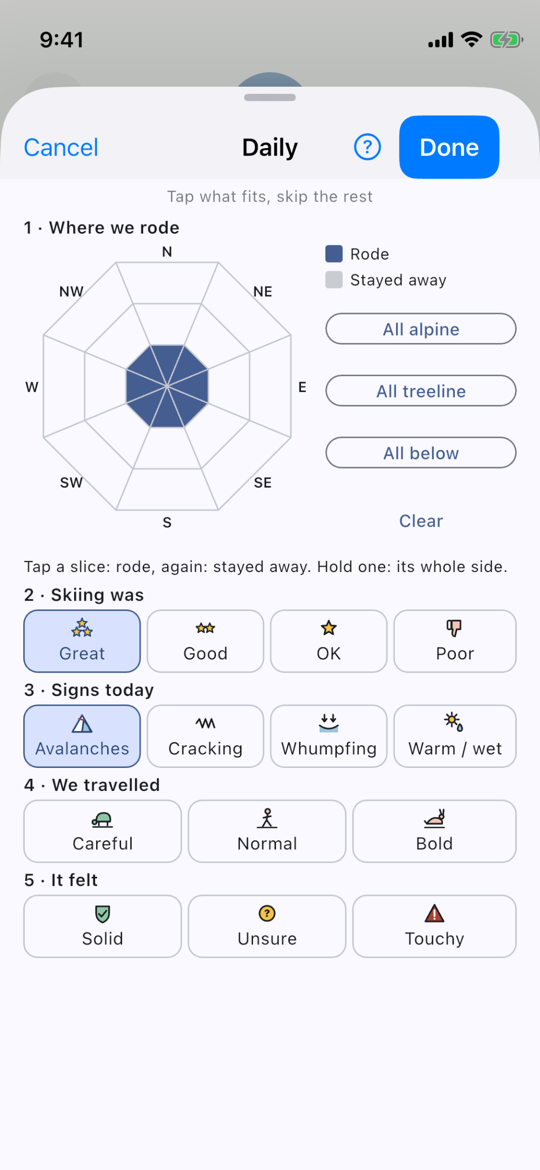
| Where we rode | All alpine, All treeline or All below marks a whole band; or tap a slice: rode, again: stayed away. Hold one: its whole side. |
| How it felt | Switch the rose to How it felt, then tap a slice you rode: Solid, Unsure, Touchy. |
| Skiing was | Great, Good, OK or Poor. |
| Signs today | Avalanches, Cracking, Whumpfing, Warm / wet: tap every one you saw, then Next. |
| We travelled | Careful, Normal or Bold. |
| Trend | Better, Same or Worse. |
| Done | Done brings you back to the sheet, holding the observation. ✕ Remove clears it. |
| Send | Add to message puts it in Messages' box; send it with the arrow. With Satellite or SMS, Send line now sends it at once. |
How does it leave your phone?
Echo: MMS, Satellite, SMS.
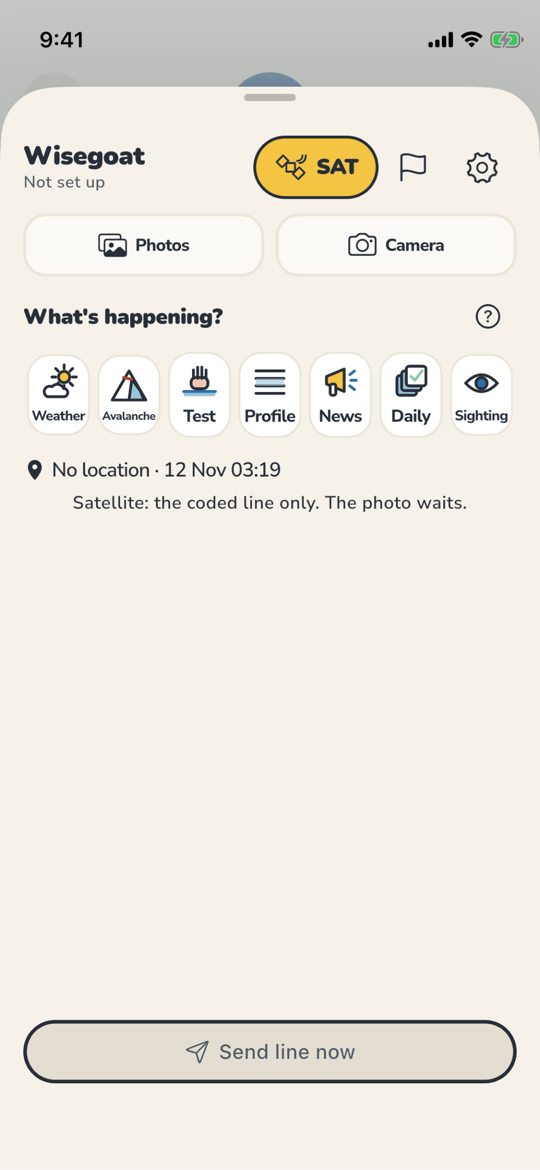
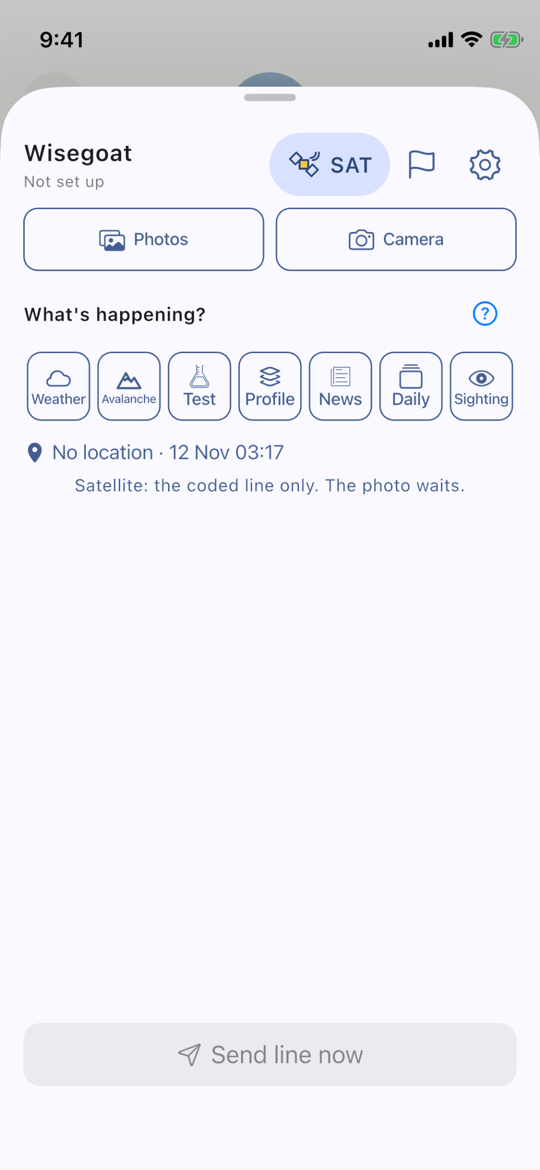
Tap the chip at the top to go from MMS to Satellite to SMS and back.
| MMS | MMS: text and photo. Needs cell data or Wi-Fi. |
|---|---|
| Satellite | Satellite: the coded line only. The photo waits. No cell signal and no Wi-Fi, an iPhone 14 or later, and a one-to-one chat. |
| SMS | SMS: the line as plain text. Works on any phone. The photo waits. |
Got a photo?
A photo, or one that waits.
One photo per message, from Photos or Camera.
| Photos or Camera | Photos picks one from your library; Camera takes a new one. |
|---|---|
| Photo of | Tap Avalanche, Snowpack or Weather to say what the photo shows; tap it again to clear it. |
| Where and when | The place and time come from the photo, or from the phone, and show on the pin line. |
| It waits | With Satellite or SMS, or no data, only the line goes; on a phone you set up, the photo follows when the app next sees data. |